If you have a current or former Cornell NetID...
• Are you a current student or alum, current or former postdoc, current or retired faculty, visiting scientist, or current staff at Cornell?
STOP! You do NOT need to get a Cornell GuestID. You will use your Cornell NetID and password to access CNF systems.
• Are you a former staff (not retiree) or former visiting scientist or former contractor at Cornell?
STOP! You do NOT need to get a Cornell GuestID. You will use your existing Cornell NetID and password to access CNF systems. Contact CNF Computing to reactivate your Cornell NetID and DUO two step authentication.
If you have forgotten your NetID password, you can reset your netid password online or in person by contacting the Cornell IT Service Desk.
If you do NOT have a Cornell NetID...
Electronically register for a Cornell GuestID with the registration page linked below (Note: You may already have a Cornell GuestID from accessing other Cornell services or the CNF at a previous time -- these can continue to be used at CNF). Contact CNF Computing to reactivate inactive Cornell NetIDs in lieue of registering for a GuestID.
Use the following information when requesting your GuestID:
- Group Name: RS-CNF-GuestID
- Purpose: Please enter your CNF Project # (joining an existing project); or PI and institution (starting a new project)
Link to request a GuestID:
- https://guestid.ad.cornell.edu
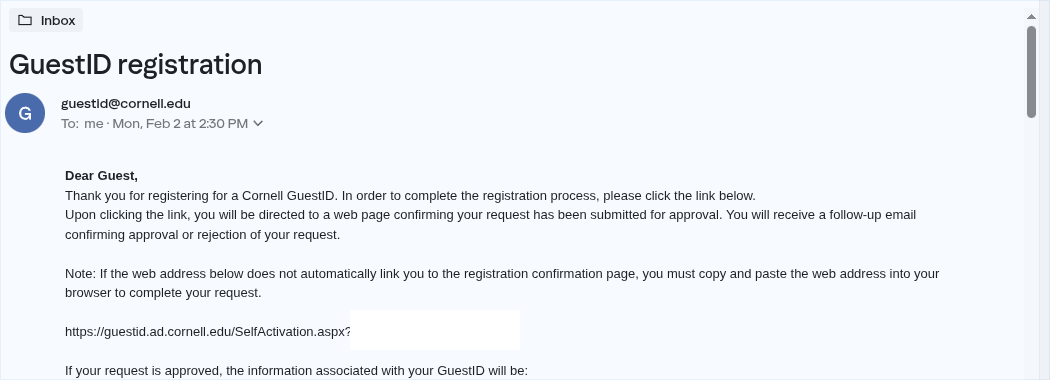
After filling out the GuestID form, you will receive a confirmation email from guestid@cornell.edu with a link you must click to proceed:
Image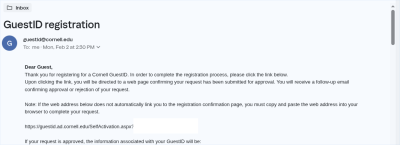
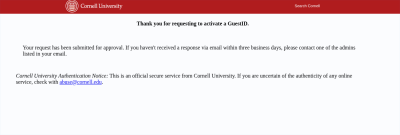
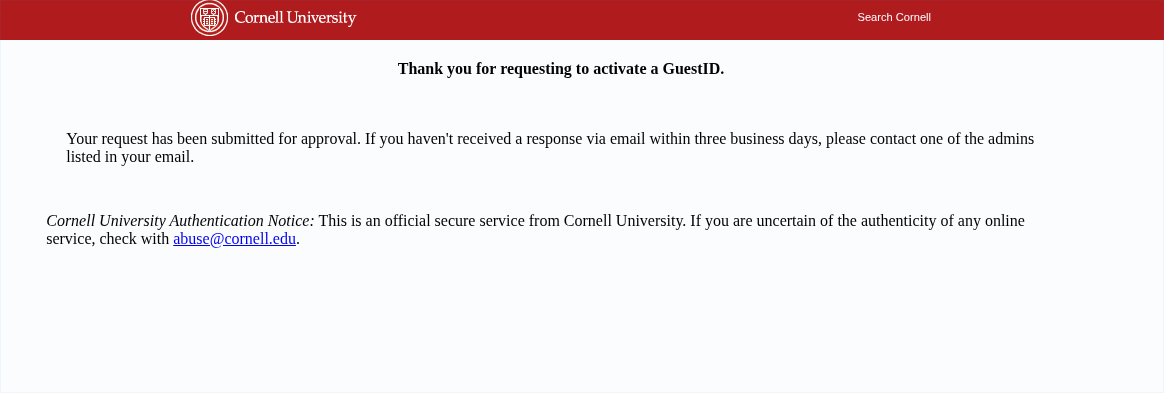
Once you click the confirmation link in the received email, CNF User Program staff will be able to activate your GuestID:
Image